What is D3.js
The previous lesson showed the pros and cons of charting libraries. But D3.js is different!
This lesson explores why D3 is not a charting library, what it actually is, where to find its documentation, and why it has become the backbone of bespoke, interactive data visualization on the web.
❌ Not a charting library
It's important to understand that D3 is not a charting library.
Let's say you want to build a scatterplot. A charting library would offer a ready-made Scatterplot component — you pass a few properties, and it renders the chart for you.
But D3 doesn't do that! It doesn't have a scatterplot component or function at all.
Instead, it provides a multitude of utility functions to help you create your scatterplot, but it won't build it for you.
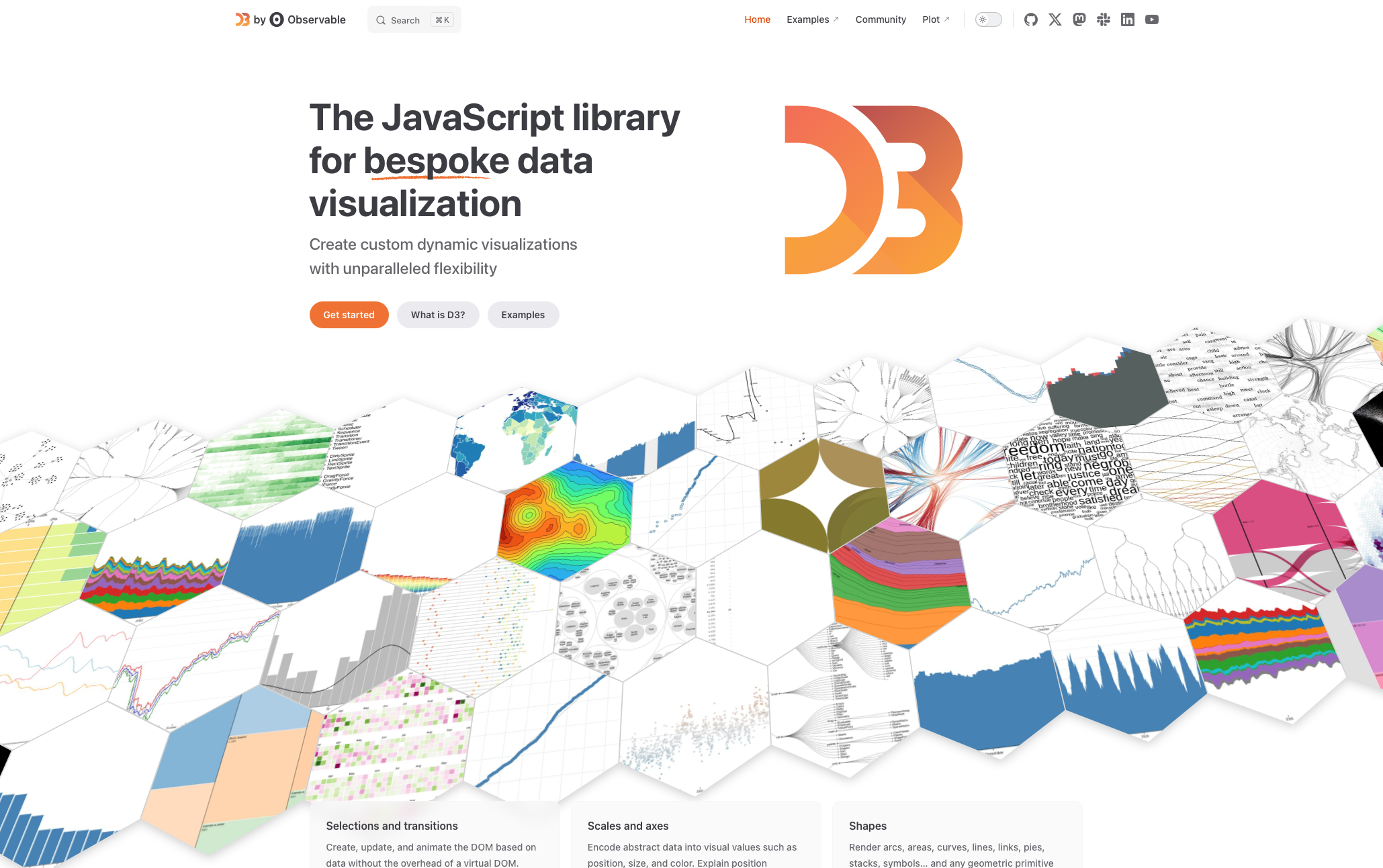
D3.js website screenshot.
🔧 How it works instead
To build a scatterplot, you need to translate each data point's value into a position on the screen. D3 has a handy scaleLinear function that does exactly this!
To build the axis, you need to figure out how many ticks to show based on the available space. D3 handles that with its ticks() function!
You might also want a color scale — D3 has a bunch of functions to help with that too.
Then, with all that information, you can write a few loops to draw circles, segments, and text manually to get your scatterplot — with 100% control over everything!
✅ Why it's more powerful
1️⃣ Bespoke
Since you're using low-level functions that each handle one tiny specific task, you keep full control over absolutely everything drawn on the screen. That's why the D3 homepage describes it as the library for "bespoke data visualization".
2️⃣ Interactive
Other programming languages like R or Python also provide 100% flexibility. But there's something they don't have: interactivity. Thanks to JavaScript, our visualizations are not only bespoke, but can also support any kind of interactivity pattern!
🦴 Anatomy of d3.js
At its core, D3.js is a collection of small JavaScript utility functions. There are hundreds of them, split into about 30 groups called modules.
Let's start with the d3-scale module that appears here on your right.
Each bubble represents a function in this module, and the size of the bubble is proportional to the importance of the function.
D3.js is open source. The full project is available on GitHub, where each module is its own repository. For instance, the d3-scale repo is here — take a quick look!
The biggest bubble represents the scaleLinear function. You give it a value from the dataset, and it returns a position in pixels — that's super handy for scatterplots, for instance! If you're curious, you can read the source code of this function on GitHub here!
There are many variations like scaleBand() that we'll use for barplots. But don't rush — scales are so important that there's a full module dedicated to them.
Another very important module is d3-shape. It provides functions like line(), area(), and arc(). You give them coordinates, and they return the path to pass to an SVG element for drawing.
Once again, don't stress — the next module is about SVG and we'll explore these in depth!
The d3-array module is a data wrangling toolkit.
We could survive without it, but it's very handy in many situations. There isn't a full module dedicated to it, but we'll discover some of its functions throughout the course as they become useful.
Then there are some modules like d3-hierarchy that are useful for specific chart types only.
This one is a lifesaver when you're working with hierarchical data, and it allows you to build charts like treemaps and dendrograms.
And guess what I used to build this circular packing chart? :)
Note: if you explore a bit, you'll see a treemap() function. But remember — D3.js is not a charting library! This function computes the position of rectangles but doesn't draw anything for you!
It would be tedious to keep listing every module one by one, and knowing the exhaustive list is not the point at all.
You can spend a bit of time exploring this figure — hovering over a bubble will tell you more about what the function does.
But don't try to memorize anything! The goal here is to give you a mental model of how D3.js is organized: a collection of small utility functions organized into independent modules.
All D3.js modules and their functions, visualized as a circular packing chart.
😱 Frightening?
Seeing such a massive number of functions can be frightening at first. But I have good news for you!
Actually, only a fraction of these functions will be useful to us. We'll completely ignore the rest because we're using React!
The effort you put into Module B is about to pay off — let me explain why in the next lesson!
Oh no! 😱
It seems like you haven't enrolled in the course yet!
This is a lesson from the D3 ❤️ React course, where you learn to create bespoke, interactive graphs with d3.js and React.
Or Login